Reconnecting my Synology NAS
It's good to get my centralized storage back.

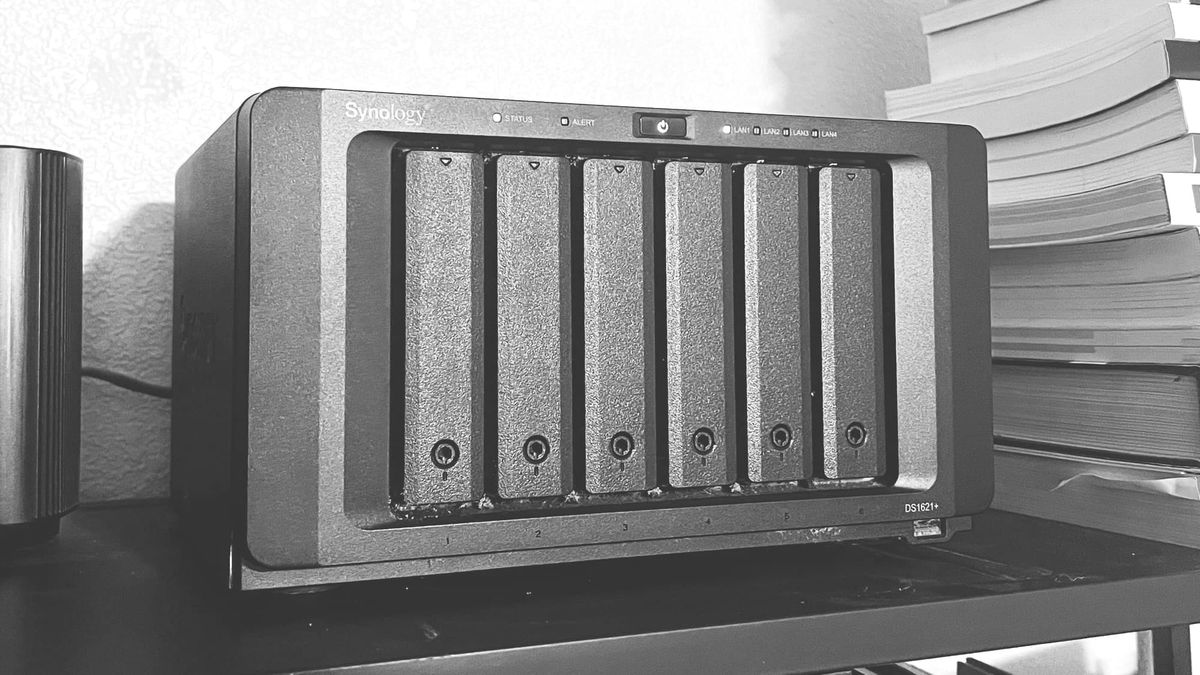
It’s been about a year and a half since I’ve had my Synology 1621+ NAS running. We were moving in prep for a big cross-state move and it never made sense to break it out of the box. Plus, I needed to set up my own router to have access to ethernet ports to make the "network attached" part of the storage actually work.
My wife and I bought a house earlier this year and unpacking my NAS feels like a major step in finally settling in after moving. Like we're settled enough for me to connect this thing.
It fired up just fine and worked like a dream right out of the box. I even took a stroll down memory lane in some of the folders. I've certainly learned a lot about making sensible directory structures in the time that's elapsed.
I’m so excited to get all of the stuff that I have scattered across my local and external hard drives and iCloud back to one centralized spot that I own. I don't like things being spread out all over the place.
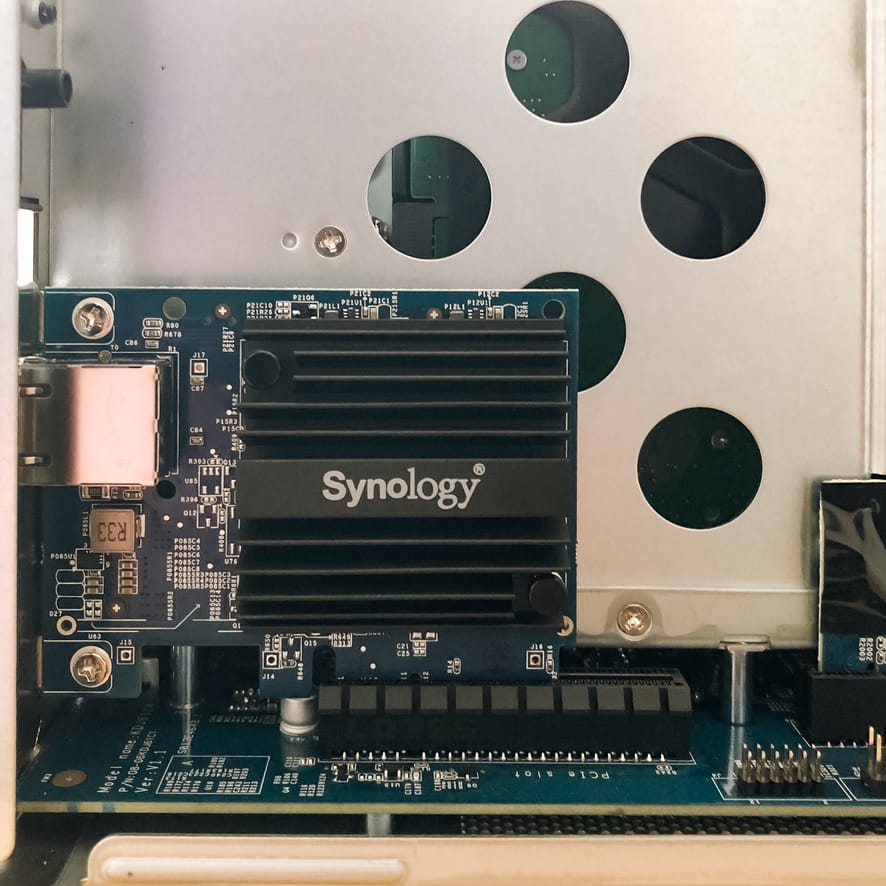
When I initially bought this, I wanted massive storage for video editing, so it has 36TB. It's configured in RAID 6, which works out to about 27TB of actual storage. I have tons of room to grow. And if any projects come along and I need it, I tricked it out with a 10GbE port so I can edit video directly from it.
Plus, I’ve learned a lot more about what I can do with this thing beyond just building a personal cloud and video production, and I’m looking forward to diving into those possibilities. I have lots of ideas—far more than my time supports. I would like to get to the point where I can self host as many things as makes sense, especially since I have the space to do it.
When you have a homelab, it's easy to think in options.