Practical use cases for the Basecamp MCP server
Connecting Claude with my favorite project management system.

I wrote earlier about how I vibe coded an MCP server for Basecamp. In that post, I focused on how I did it and what I learned through the process. In this post, I focus on the use cases that I've found most helpful.
Bulk adding To Dos to Basecamp
Let's say you have a list of tasks for a project, maybe they're in a Google Doc or a Google Sheet, and you want to add them to Basecamp. Unfortunately, the software doesn't have a bulk create option where I can just copy all of that into a field and have it make the individual To Dos for me. I have to create each To Do one-by-one, which can get very tedious—especially with projects with lots of steps.
With Claude, I can copy/paste a list of tasks, tell it which project and To Do list I want everything added to, and Claude takes care of the rest.
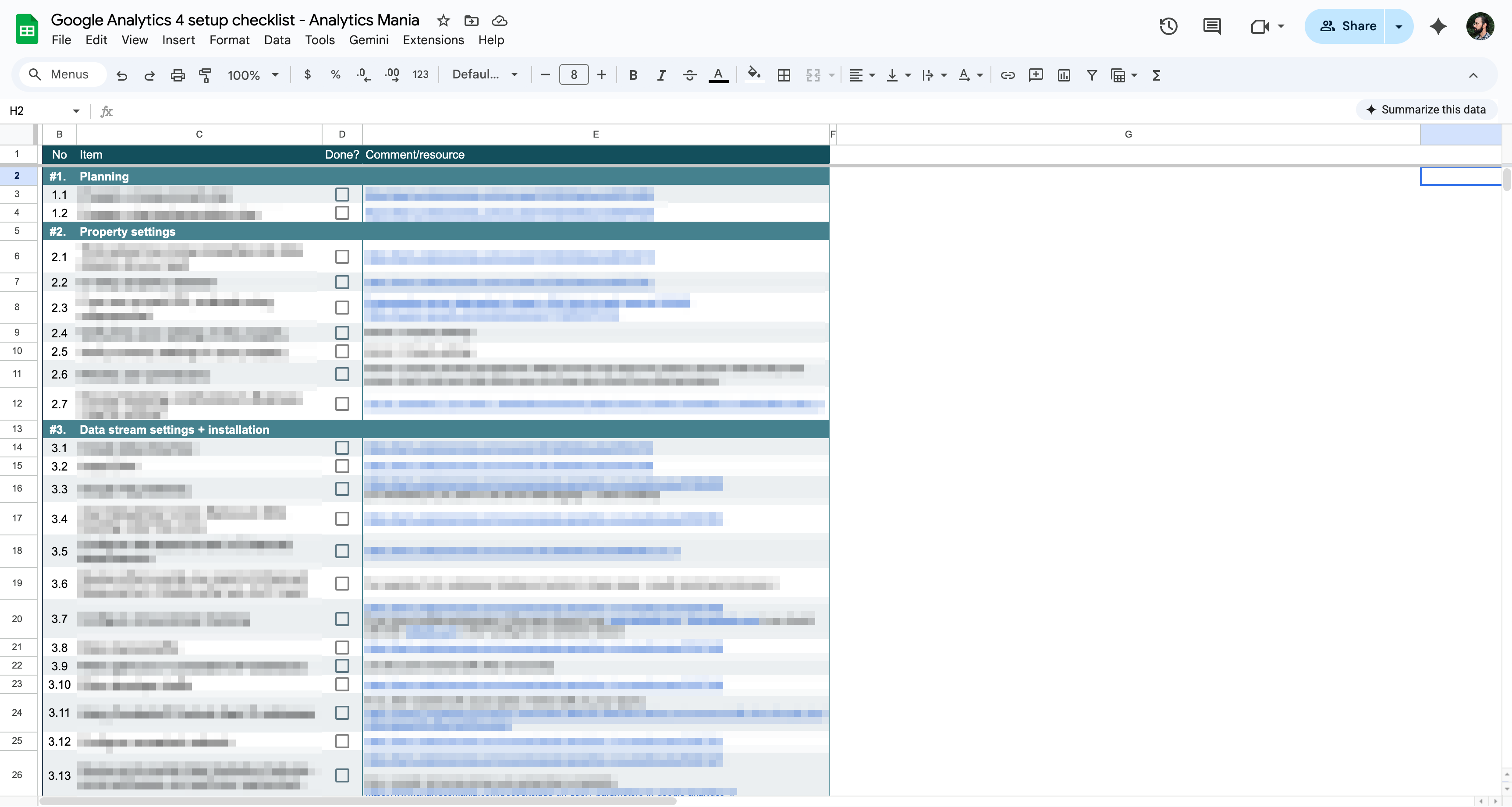
At time of writing, I'm working through the Google Analytics 4 course from Analytics Mania, which includes a massive checklist with more than 70 items for setting up Google Analytics. I copied the sheet into Claude and told it what to do, and it made all of the To Dos for me. The best part is that if I was planning on using the To Dos in future project, I could easily convert this into a Template and my checklist would live inside of Basecamp—where I work and manage tasks—instead of an external tool.
Posting summaries to the Message Board
A big part of project management is just communicating what's been done, which is itself a part of documenting the project. This is one of the most important parts of project management, but it's also one of the easiest to overlook.
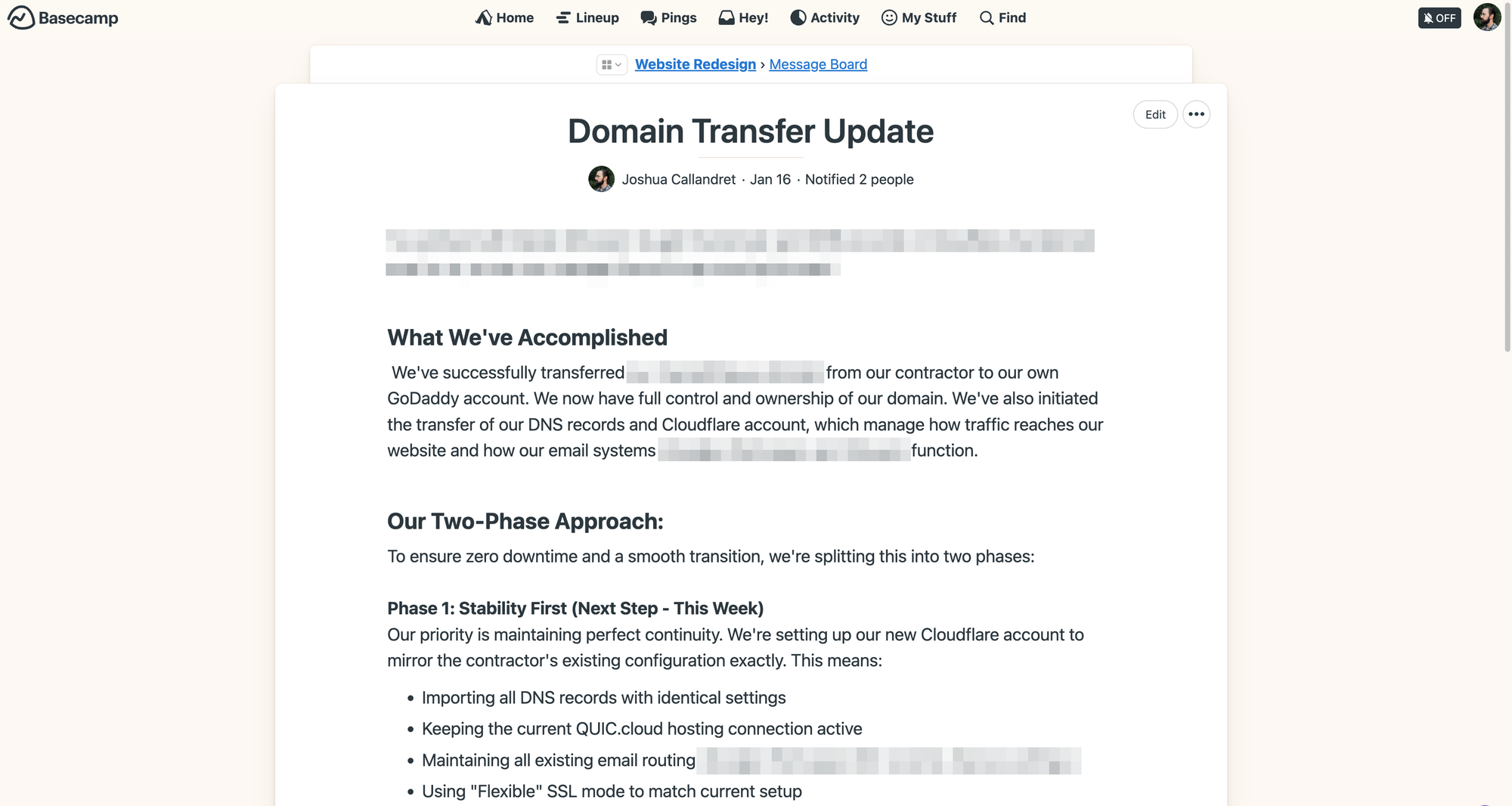
With this MCP server, I can give Claude an overview of what's been done, and it can produce a more detailed summary and post it as a draft to the Message Board.
Here's a practical example. I did some work to transfer ownership and management of a website domain from a contractor to me. The setup involved a domain registered at GoDaddy and DNS records at Cloudflare. I had not used this configuration before, so I worked with Gemini to understand the transfer process (Cloudflare docs were overly complicated for this migration). I took the output from Gemini about the step-by-step process and then fed that to Claude and had it write a summary of what I did for the domain/DNS transfer and the next steps.
In project management, time is your most limited resource. There was no need to waste time writing and posting a very basic and technical status update. And had I used Claude for the process research, I could have done everything in just one tool.
Getting general status updates
This is a simple example, but you can just ask Claude "How is the Marketing Dashboard project coming along?" and it will generate a high-level summary in seconds. This is helpful if you're already in Claude and you want to get a sense of what's going in the project without switching tools and digging.
By design, Basecamp makes it easy to get up to speed on where a project stands. This is one of the areas (among many) where I think Basecamp shines above other, louder competitors like ClickUp and Monday. If you need more context than what Claude can provide, there are lots of ways to get a sense of where things stand like the project timeline, various reports, Hill Charts, and Moving the Needle.
Creating Docs for quick notes and project documentation
Sometimes there are parts of a project that need a note, but a Google Doc is overkill. That's where Docs in Basecamp really shine. They're simple notes that exist just in the project. A note can be a list of reminders, a process, or anything else you need to jot down and share with other team members.
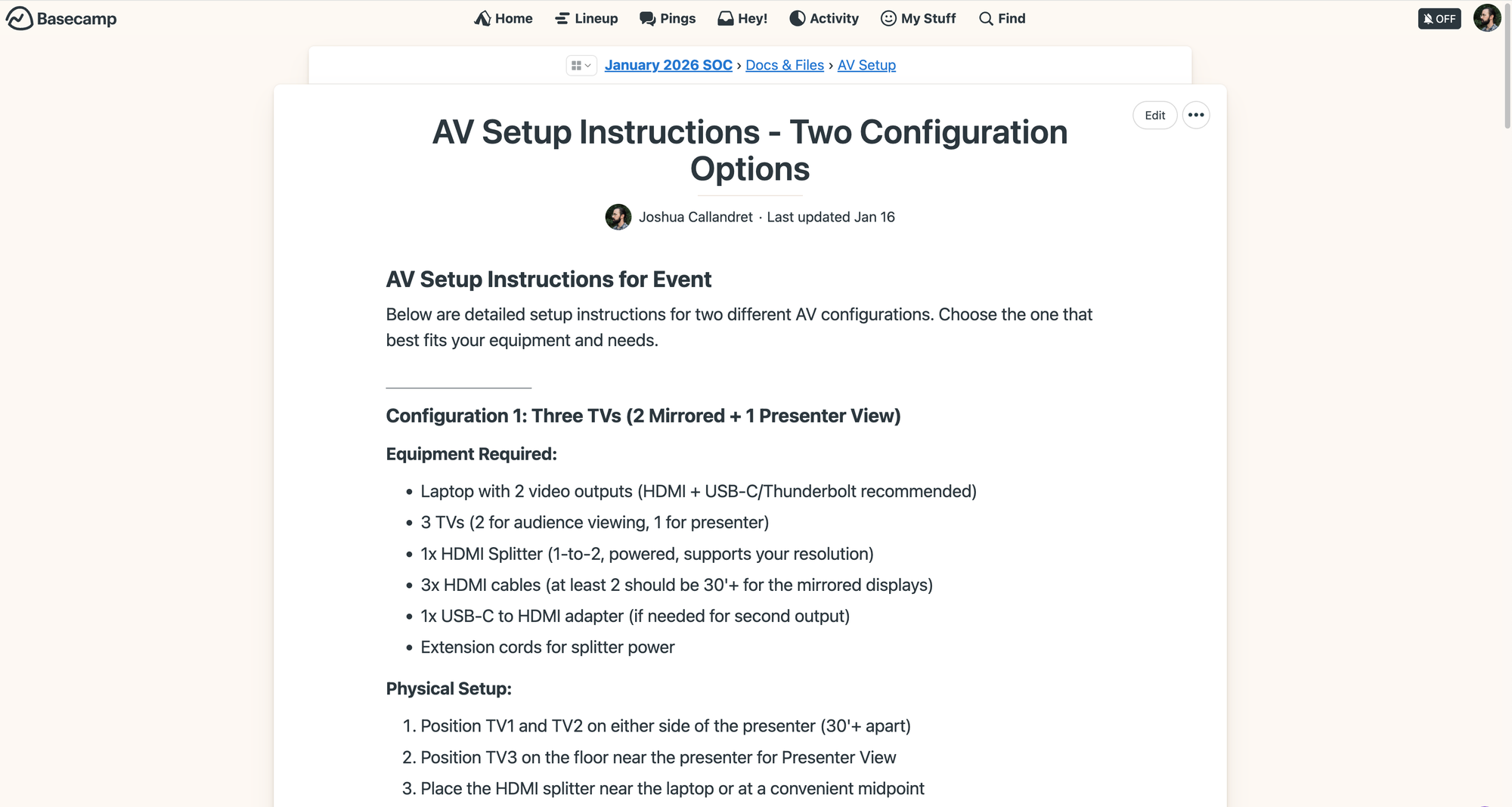
As an example, I had Claude write up an AV setup guide for our company meetup based on a Mermaid Diagram. Claude wrote everything out step-by-step, and now I have a comprehensive document that I can use to delegate AV setup—even if someone hasn't done that before. And because it's a Doc now, I can include it in a template for the project, so it will be there moving forward.
Things that are better to do yourself
This MCP server adds some helpful features to the Basecamp experience, but there are still plenty of things that are faster/easier/better for you to just do. For example:
Linking to items in Docs and Files
I tried to have Claude link up a Google Doc in one of my projects. It struggled with something that seemed so basic. I may not yet have added the right capability, but to be honest, this is something I'd prefer to do myself. I link external items into Docs and Files on an as-needed basis, and the time cost of checking Claude's work here doesn't make sense.
Moving the Needle
I like the Move the Needle feature in Basecamp for displaying a qualitative view of how a project's doing. Unfortunately, the API doesn't have an endpoint for this feature, so I can't have Claude move the needle and post a status update there. The best it can do is post a draft in Messages that I can then copy into a Move the Needle update. I'd rather write the quick update myself or just copy the output straight from Claude.
Responding to comments
I haven't actually tried this, but my gut tells me that this is something you should just do on your own. New comments show up in the Heystack, and if you're working in Basecamp primarily in the tool (recommended) vs. through Claude (not recommended), then you'll just see those comments there, and you can deal with them as they come it. Plus, I'm not convinced on Claude's ability to find the right comment—it seems like that might come with low accuracy and excessive token usage.
Where Claude fits in with Basecamp (and project management)
I treat this MCP server like I treat everything having to do with AI: a great assistant to the real work of thinking and strategizing. Claude is great at speeding up and streamlining many of the admin aspects of project management like inputting To Dos and drafting updates, but it can't "do project management."
I know that many other project management tools have AI natively built-in. The degree to which AI can be helpful and the degree to which it can be extremely unhelpful is directly proportional. The point of Basecamp is being a simple, streamlined, no bloat project management software. This MCP server is "AI bolted-on" not "AI built-in." You can do everything you need to do in Basecamp without it, but having the extra leverage can be nice in some cases.
Project management sits at the intersection of business, process, and people. Claude (and AI in general) is useful in project management insofar as it:
- Helps the business realize real value / achieve goals / make things more efficient
- Streamlines processes / makes processes easier to follow / helps ensure processes are relevant (and followed)
- Helps the people on the team collaborate effectively
If AI doesn't help with these aspects, then the output is truly slop. Speed in admin tasks means nothing if it doesn't really move the ball forward. But if wielded well, AI can definitely accelerate a team's output and help drive meaningful discussions about project outcomes. That's been my experience since building this MCP server, and I'm looking forward to how I can use it to work faster and better.
You can grab the code for the Basecamp MCP server on Github.